
Kubernetes is powerful, but let’s be honest, managing it can feel like archaeology. You’re digging through YAML files, parsing terminal output, and trying to remember which cluster has which namespace. It’s functional, but it’s common to have a handful of IDE’s and editors for different scenarios, just to wind up back at the terminal anyway.
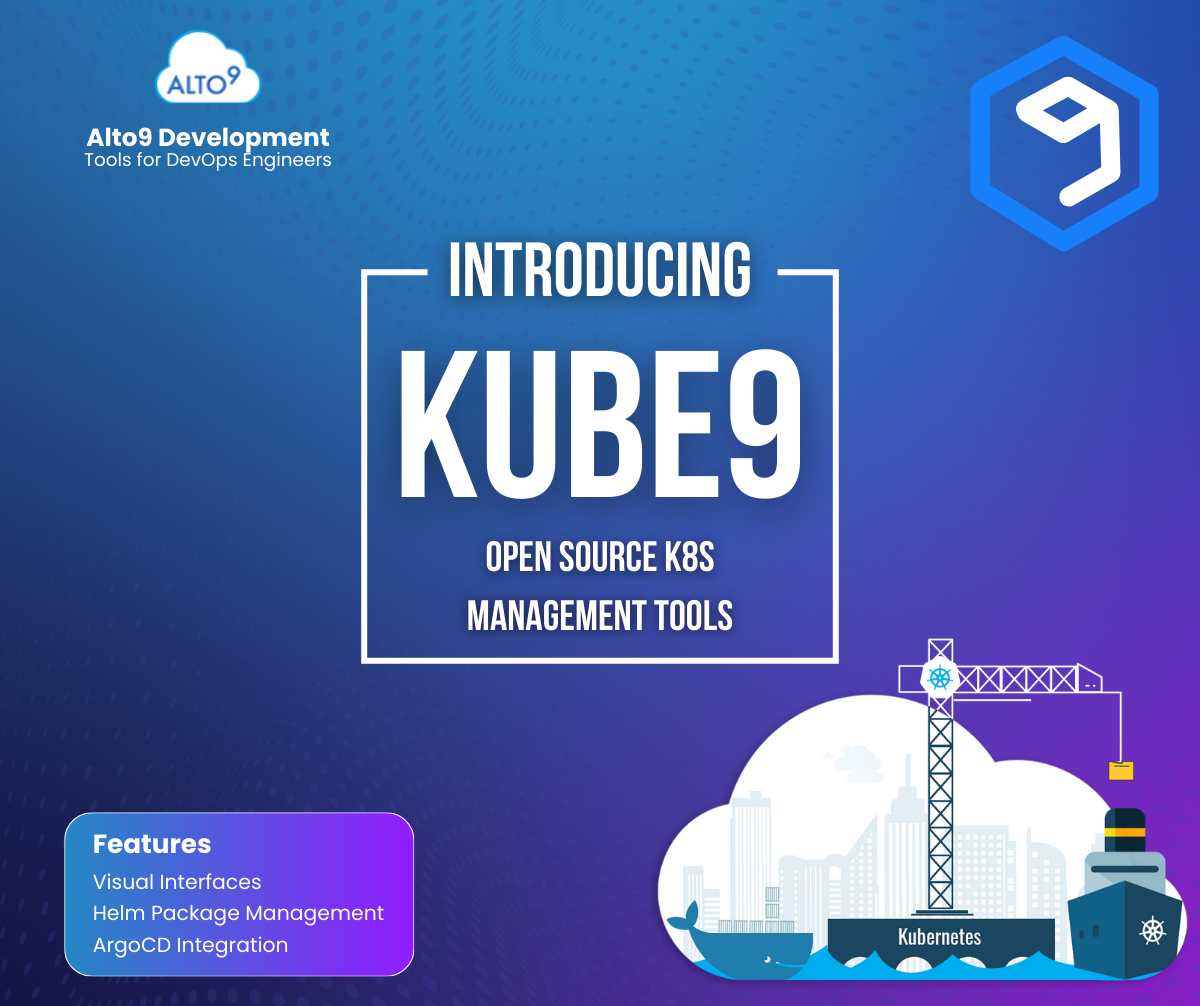
Kube9 is a new open source VS Code extension from Alto9 that transforms Kubernetes management from a command-line exercise into a visual, intuitive experience. Instead of memorizing `kubectl` commands and scrolling through YAML, you get a visual interface that makes cluster management feel natural.
Why Visual Matters
Not everyone thinks in YAML. Some developers are visual learners who understand relationships better when they can see them. Kube9 gives you:
- Visual tree navigation – Browse clusters, namespaces, and resources like you browse files
- Rich resource views – See pod status, events, and conditions in organized, scannable layouts
- Visual status indicators – Instantly see what’s healthy, what’s failing, and what needs attention
- Quick operations – Scale workloads, restart deployments, and manage resources with right-click actions
You can edit YAML when you need to – it’s right there in a tab. But for viewing, organizing, and common operations, you get a visual interface that’s easier to scan and understand.

The Cluster Organizer
If you manage multiple clusters (and who doesn’t?), the Cluster Organizer is probably the feature you’ll use most. It lets you:
- Create custom folders – Group clusters by environment (production, staging, dev), by team, or however makes sense for your workflow
- Set friendly aliases – Rename gke_production_us-central1_cluster-abc123 to something you’ll actually remember
- Build custom views – Create project-specific views that show exactly what you need
The default tree view shows everything from your kubeconfig. But with the Cluster Organizer, you can create views that match how you actually think about your infrastructure. It’s like having a custom dashboard for every project.

What Kube9 Does
Visual Cluster Navigation
Instead of typing `kubectl get pods -n production`, you get a tree view that shows:
- All your clusters (from your kubeconfig)
- Namespaces organized clearly
- Resources grouped by type (Pods, Deployments, Services, etc.)
- Real-time status indicators
Click through your cluster structure just like browsing files in VS Code.
Resource Management
View and manage resources with visual interfaces and YAML editing:
- Describe view – Organized display of resource details, conditions, and events (much easier to scan than `kubectl describe` output)
- YAML view – Full syntax-highlighted editor for editing resources
- Quick operations – Scale workloads, restart deployments, delete resources with right-click actions
- Save changes – Edit YAML and save directly back to your cluster
ArgoCD Integration
If you use ArgoCD for GitOps, Kube9 integrates seamlessly:
- View all ArgoCD Applications with sync and health status
- Detect configuration drift at a glance
- Sync, refresh, and hard refresh applications with right-click actions
- See drift details and recommendations
Developer-Friendly Features
- Pod logs – View logs directly in VS Code with filtering and search
- Port forwarding – Forward ports from pods to localhost
- Terminal access – Open a terminal session in any pod
- YAML templates – Quick templates for common resources
- Dry-run validation – Test YAML before applying
Privacy and Security First
We built Kube9 with privacy as a core principle:
- 100% local – All operations use your local `kubectl` and kubeconfig
- No external servers – Your cluster data never leaves your machine
- Open source – MIT licensed, review the code yourself
Your kubeconfig credentials stay on your machine. Always.
Getting Started
Installing Kube9 takes about 30 seconds:
- Open VS Code
- Go to Extensions (`Ctrl/Cmd + Shift + X`)
- Search for “Kube9”
- Click Install
That’s it. Kube9 automatically reads your kubeconfig and shows your clusters in the sidebar. No configuration needed.
Try It Today
Kube9 for VS Code is free, open source, and available now in the VS Code Marketplace. If you’re working with Kubernetes and using VS Code, give it a try. We think you’ll find it makes cluster management more visual, more organized, and more intuitive.
Install: Search “Kube9” in VS Code Extensions
GitHub: github.com/alto9/kube9-vscode
Documentation: alto9.github.io/kube9/vscode
Kube9 Home: www.kube9.io
Alto9 Home: www.alto9.com